
Input
Build your clip
Upload required audio
2-20s, uploaded automatically.
Optional first-frame image
Skip it if prompt defines the look.
Prompt and guidance
Keep it visual and concise.
Without an image, the prompt defines the scene and visual direction.
Without an image, prompt quality and guidance scale determine the first-frame look.
Run
Ready to generate
Result
Preview
LTX 2.3
Upload audio to estimate cost
Generate as soon as your inputs are ready.
Preview
LTX 2.3 Audio to Video
Input on the left, generated result on the right, using official reference material adapted into our page system.
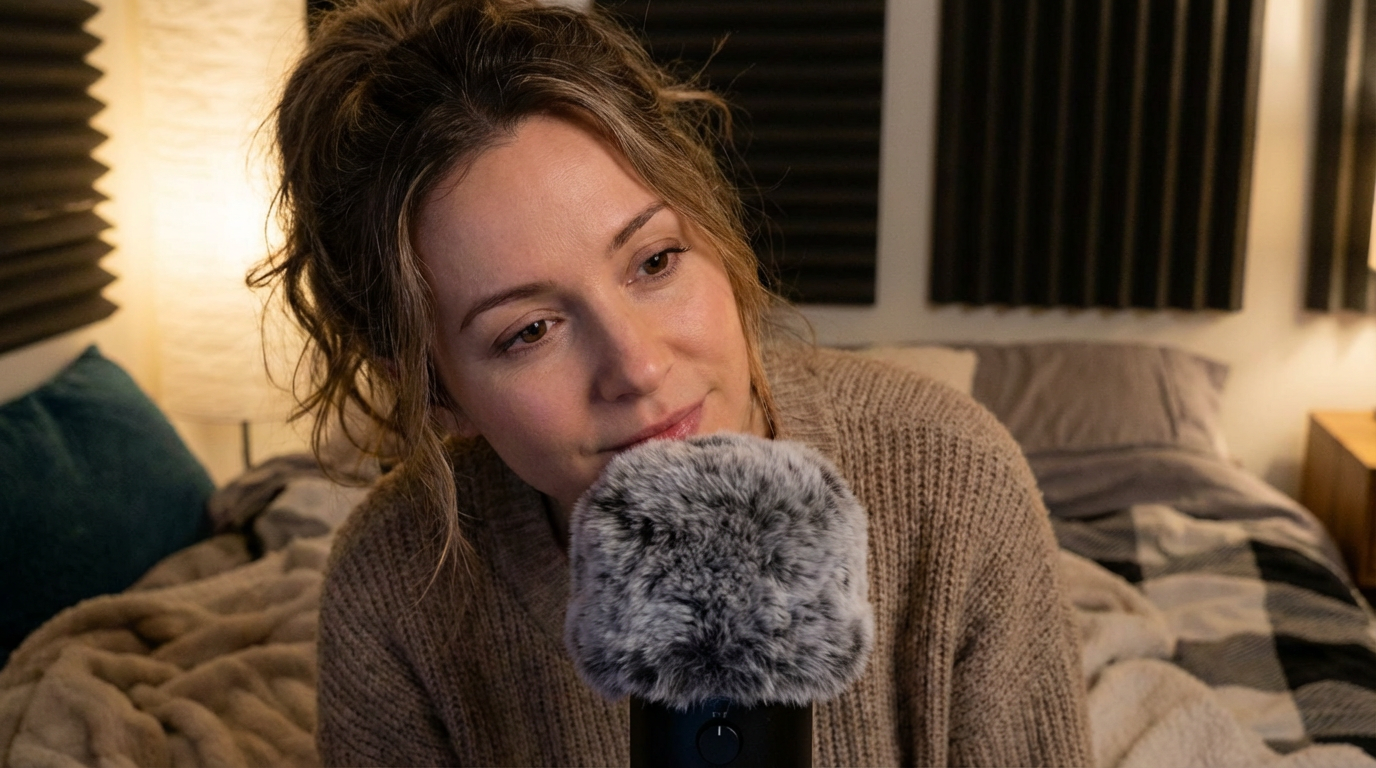
Official example first frame from the workflow demo.
Why This Path
Pick the right LTX workflow faster
Each mode exists for a different starting point: speech, prompt, still frame, continuation, or a local retake.
Audio drives pacing, lip motion, and phrasing.
Optional first-frame image gives you tighter visual control.
Short voice-led clips are fast to test and easy to iterate.
This is the workflow currently connected to our generation flow.
Production Fit
Use Cases
Where this workflow is most useful inside a real content pipeline.
Talking promos
Turn a recorded line into a polished social clip.
Avatar experiments
Test voice-led hosts before building a bigger workflow.
Audio-first explainers
Start from speech, then add visual direction only where needed.
FAQ
Frequently Asked Questions
Short answers for the practical questions people usually ask when choosing a workflow.
Do I need an image?
No. Audio is required, while the first-frame image is optional.
What gives me the most control?
A clean voice track, a strong first-frame image, and a concise visual prompt.
Is this the page with the live tool?
Yes. This is the only LTX workflow page currently wired to quick create.