
What this model is best at
Short answer: Audio‑conditioned latent diffusion model for lip sync, designed for high‑fidelity results and strong temporal consistency over time.
Use this workspace to preview the model, compare example output, and start creating with the recommended workflow for this model.
Highlight 1
End‑to‑end audio‑conditioned latent diffusion.
Highlight 2
Temporal consistency enhancements with TREPA.
Highlight 3
Language‑agnostic lip sync.
Video-to-Video
LatentSync workspace
Start from the built-in workflow below, then tune the model inside the standard LipsyncX creation surface.
1. Upload photo
2. Choose Model
3. Add Script
Instant script templates
One-click copy for greetings, celebrations, and announcements.
Step 1/4
Choose a face
Follow the next step to keep building your video.
Trusted by teams
Long‑form segment
Stable mouth motion across a longer scene.
Popular use cases
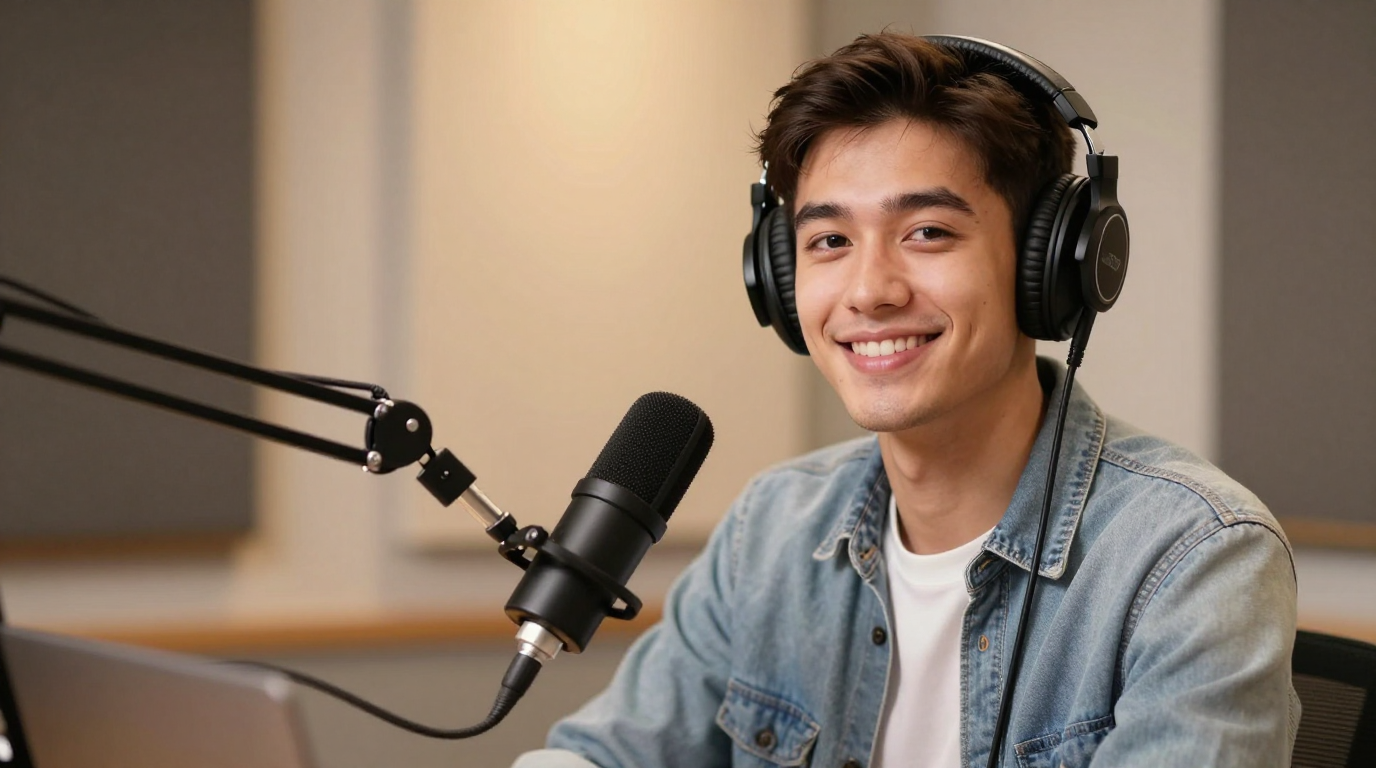
Podcast videos
Maintain sync over time.
Training lessons
Consistency across segments.
Series content
Keep identity stable.
Quick specs
Best practices
FAQ
How does it keep frames consistent?
It uses temporal representation alignment (TREPA) to stabilize results across frames.
Is it language‑specific?
No. LatentSync is designed to be language‑agnostic.
What resolution is it optimized for?
The model targets 512×512 output resolution.