What this model is best at
Short answer: Kling’s lip sync feature aligns mouth movement to a supplied audio track with natural expressions and multi‑language support.
Use this workspace to preview the model, compare example output, and start creating with the recommended workflow for this model.
Highlight 1
Accurate lip movement synchronization.
Highlight 2
Supports multiple languages.
Highlight 3
Works with existing video content.
Audio-to-Video
Kling LipSync (Audio‑to‑Video) workspace
Start from the built-in workflow below, then tune the model inside the standard LipsyncX creation surface.
1. Upload photo
2. Choose Model
3. Add Script
Instant script templates
One-click copy for greetings, celebrations, and announcements.
Step 1/4
Choose a face
Follow the next step to keep building your video.
Trusted by teams
Audio‑driven avatar
Use a voice track to drive an avatar.
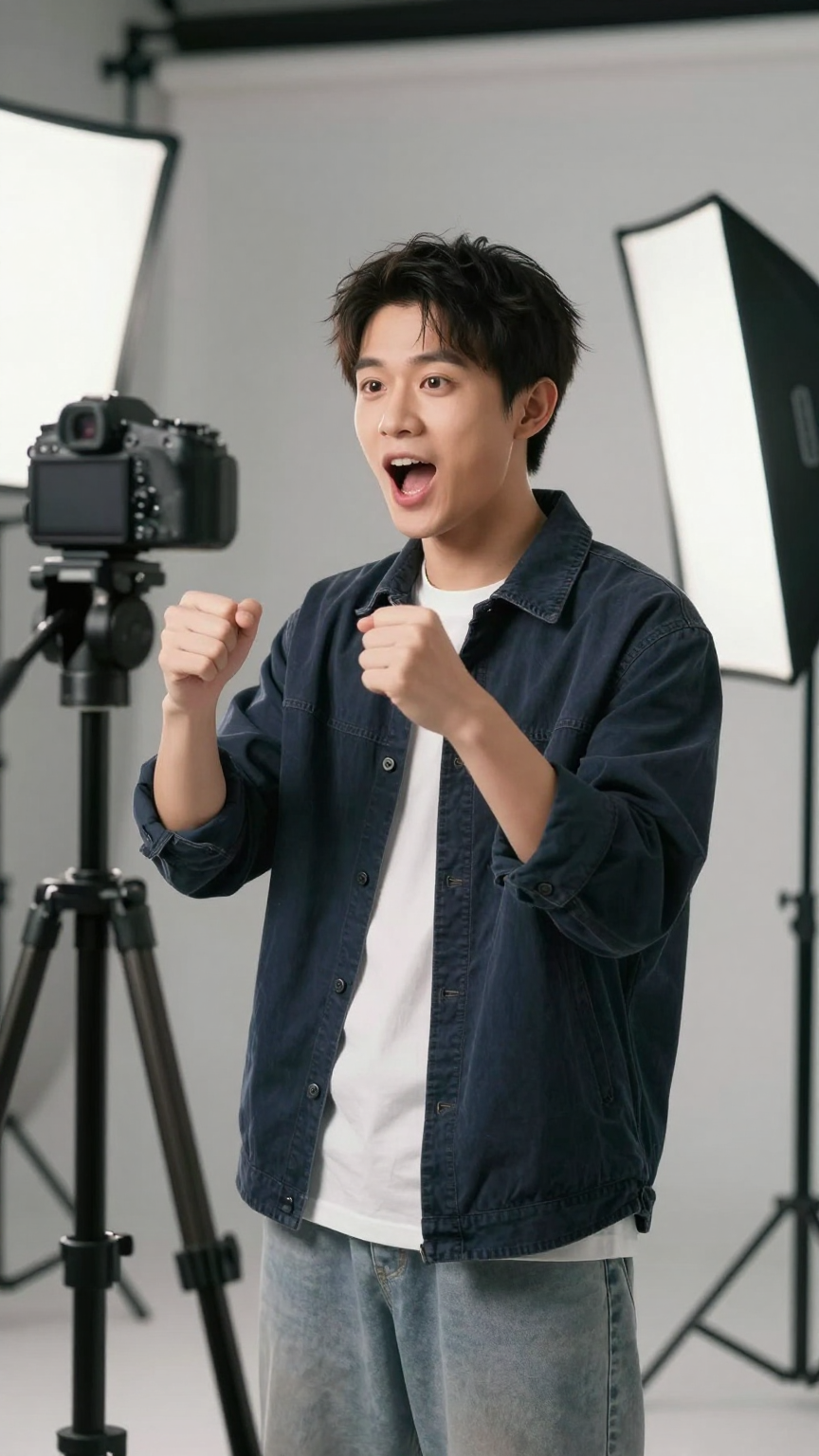
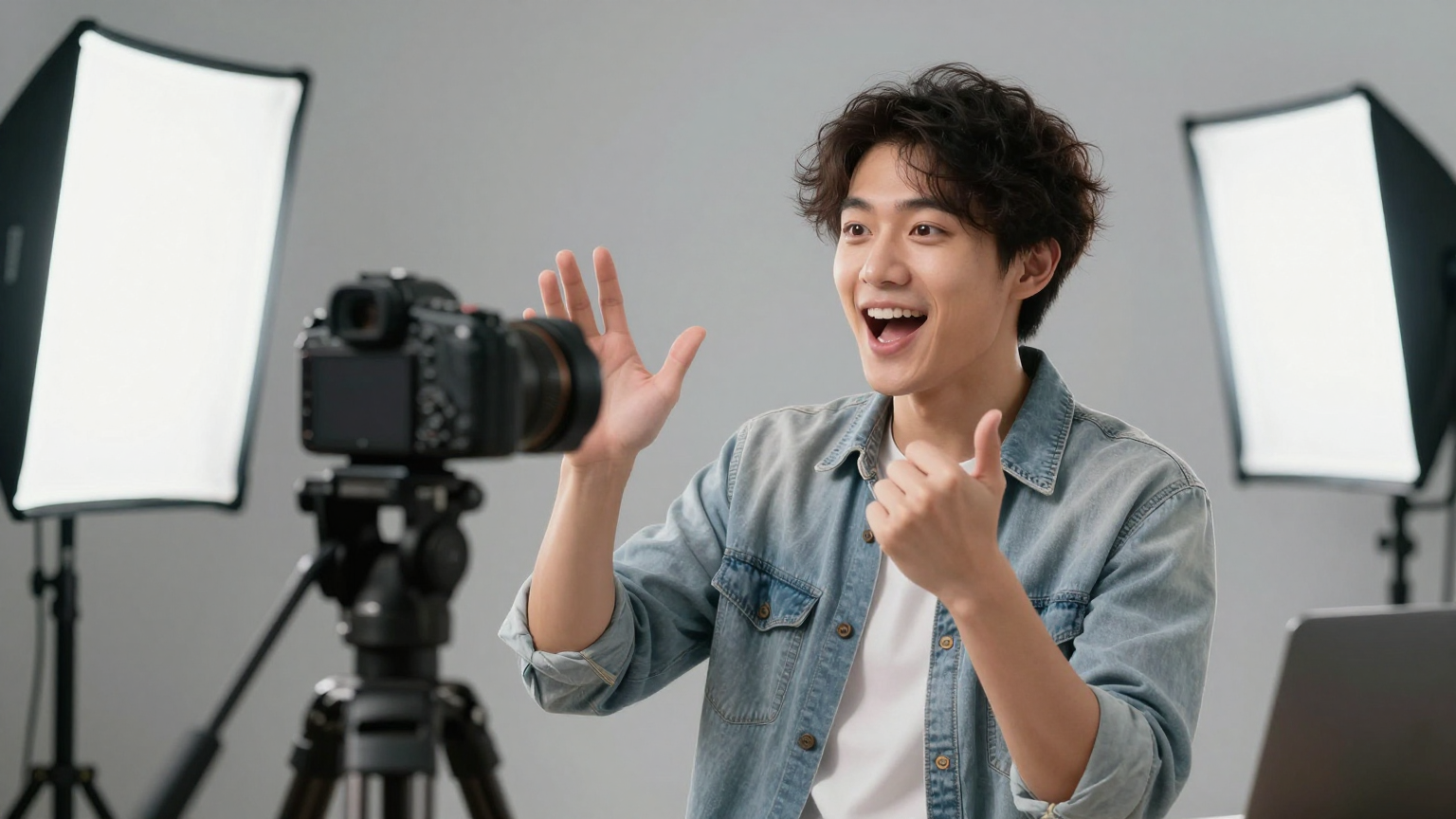
Popular use cases
Narration videos
Voice‑first workflow.
Podcasts
Audio‑driven visuals.
Shorts
Fast avatar clips.
Quick specs
Best practices
FAQ
Does it work with existing videos?
Yes. Kling Lip Sync is designed to work with existing video content.
What languages are supported?
Multi‑language support is built in.
Will expressions look natural?
The model is designed to preserve natural facial expressions.